


Legal AI software: decide on real work
A good result has to stand up to checking on your matters. Here are the questions to ask before equipping a firm or legal team.
Legal AI software can help with research, analysis and drafting. Its value depends on the quality of its sources, its ability to work with your documents and how easily a professional can check the result. Those are the points to compare.
Three tasks that put a tool to the test
Research. Ask a question drawn from a matter. Can you open the cited legislation and judgments? Does the answer distinguish the facts, sources and proposed analysis?
Analyse. Provide a set of matter documents or contracts and request a structured summary. Check cited passages, omissions and whether you can revise the analysis in a table.
Draft. Start with a template or precedent. Can the tool prepare a first version in the expected style, while letting counsel change and approve each decision in their working environment?
A convincing demonstration never removes the need to check sources and final documents.
How Jimini supports this work
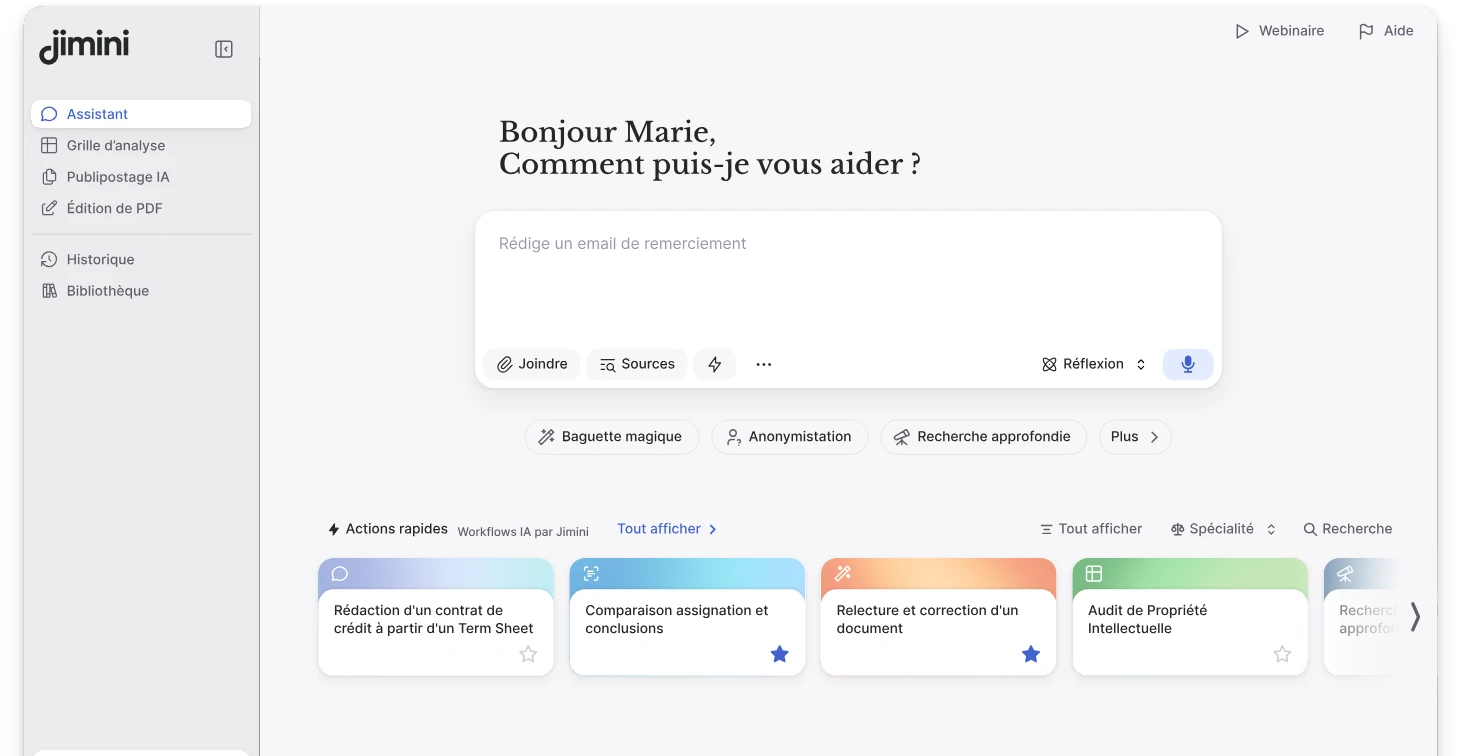
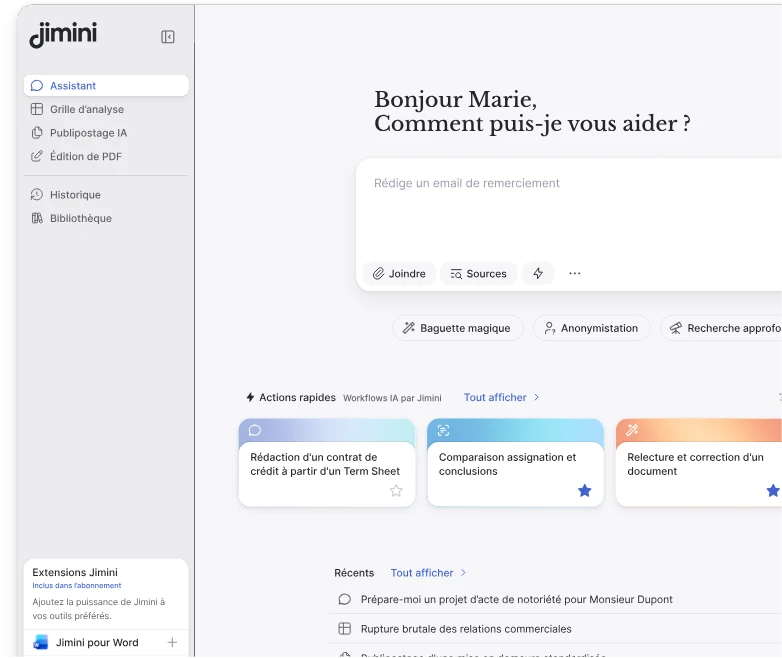
Jimini brings together legal research, document analysis and drafting assistance. Its agent can draw on an organisation’s documents and inspectable legal sources. Analysis grids structure the review of a set of documents. In Word, lawyers and in-house counsel can revise a draft built from their own templates and precedents.
Confidentiality claims you can check
Application data are hosted in France with Scaleway. Jimini is ISO 27001:2022 certified; data are encrypted at rest (AES-256) and in transit (TLS 1.2+). Model providers process requests within the European Union, with commitments not to retain customer data or use them for training. These guarantees are detailed in our data protection policy and terms of use; our trust centre shows the certification and its controls.
The team offers training and practice-specific workshops. Ask for the contractual terms that apply to your organisation, and test access rights on a representative matter.
Questions to ask before choosing
- Sources: can you open and check the references behind an answer?
- Internal documents: how are precedents selected, cited and protected?
- Integration: can work continue in Word and the team’s document systems?
- Adoption: who trains users and helps define the first use cases?
The right software is the one that performs on your practice, with professional review at every stage. Our guide to choosing legal AI sets out a trial method and the questions to ask providers.
Compare tools on your practice
- Small firm: general AI or legal AI on the same test matter, including the time spent checking.
- Litigation: take a 200-exhibit matter through to a schedule, then revise the draft.
- In-house legal: review a contract portfolio against a playbook and prepare a decision.
- Large firm: find a precedent and work from it in Word, with suitable access rights.
- Corporate and M&A: produce individual documents from a template, then correct fields across the series.
- Employment law: review contracts and amendments before drafting, including exceptions and missing documents.
- Confidentiality and sovereignty: follow a matter’s data flow, from storage to model processing.