










Your access, your rules
Jimini respects each user's access rights and only consults the data they are already authorised to access in your apps.
MCP connectors
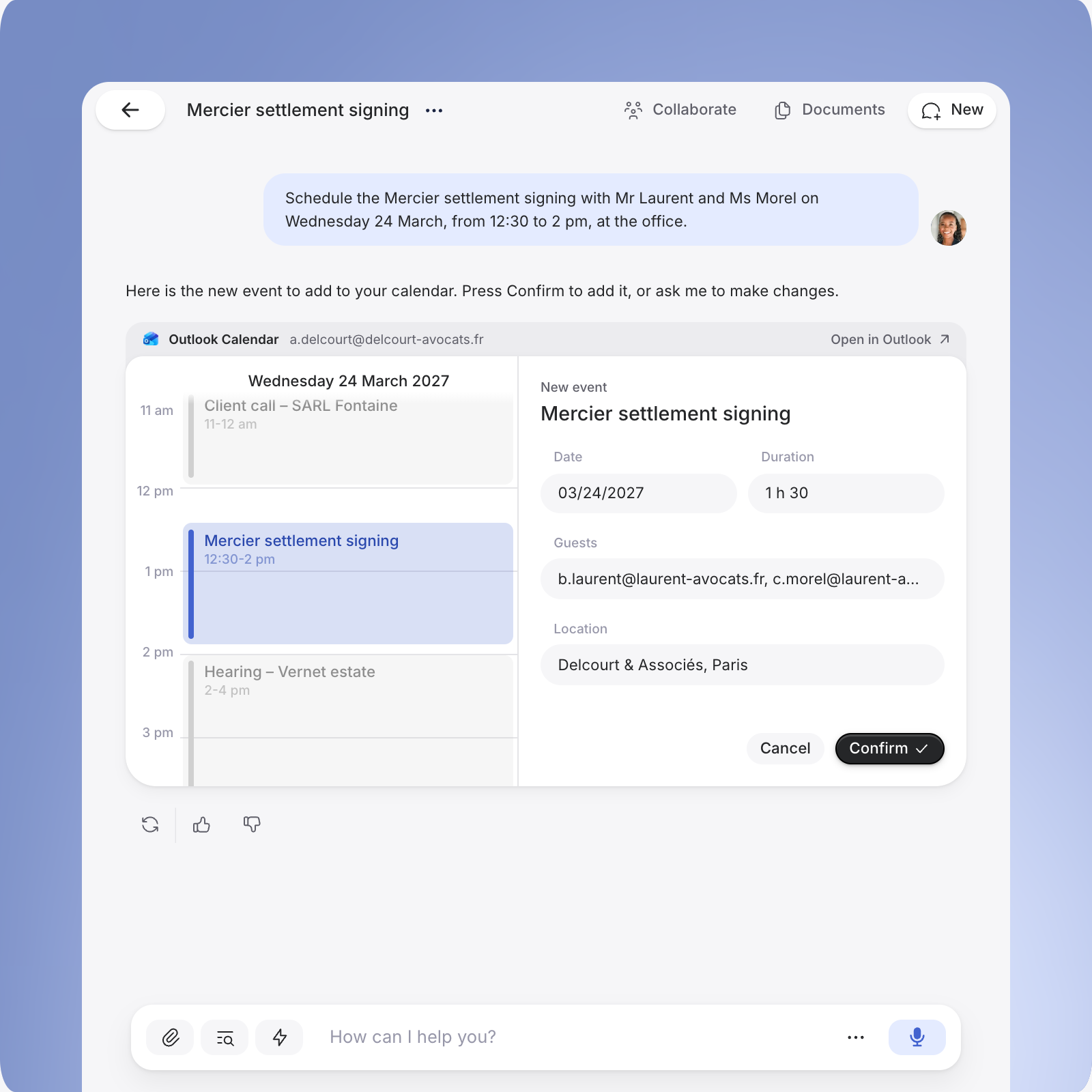
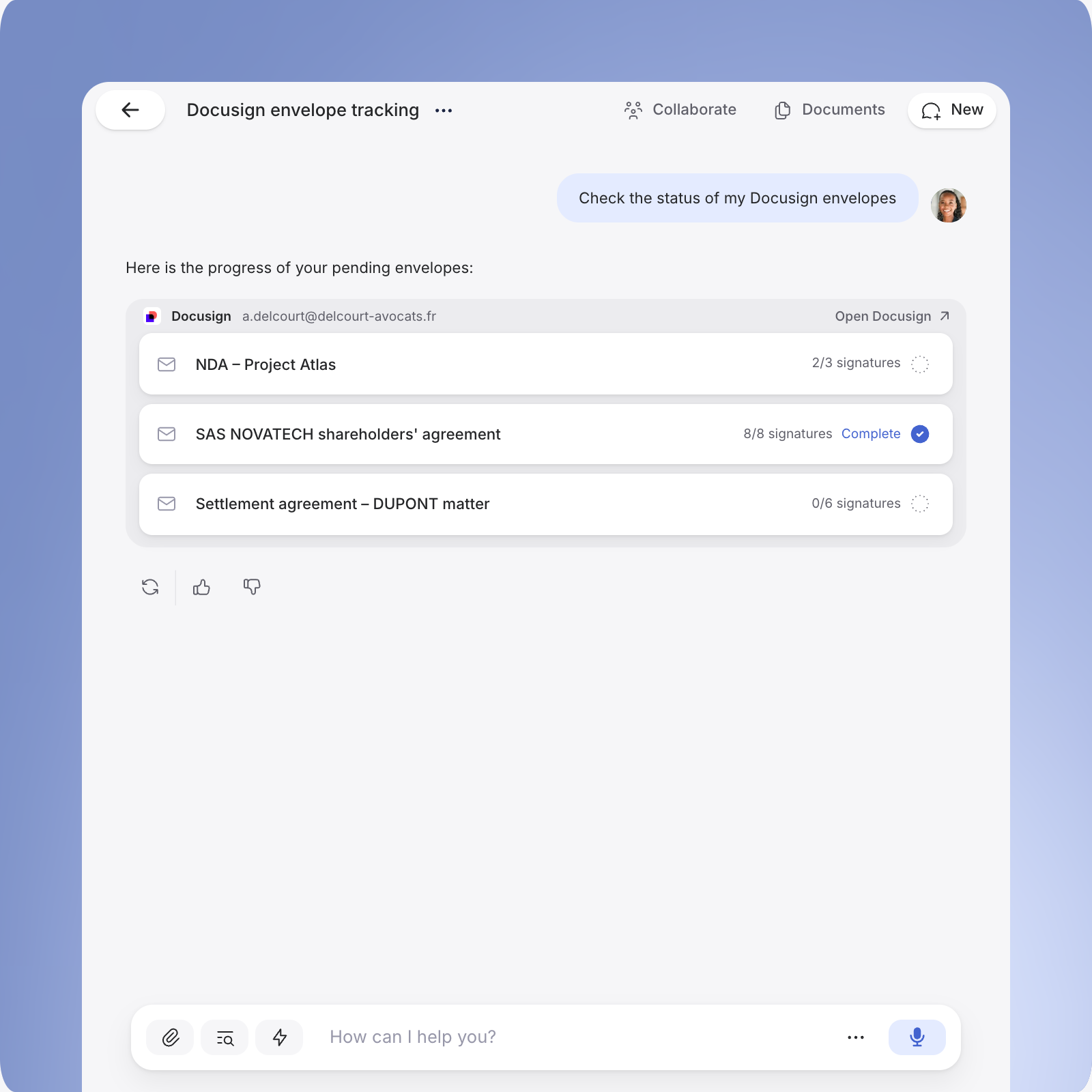
Email, calendar, storage, e-signature: with the Model Context Protocol (MCP), plug your everyday tools into Jimini and work directly with your data.
Through MCP, the Jimini Agent accesses your apps, cross-checks their data with your matters and moves your tasks forward.


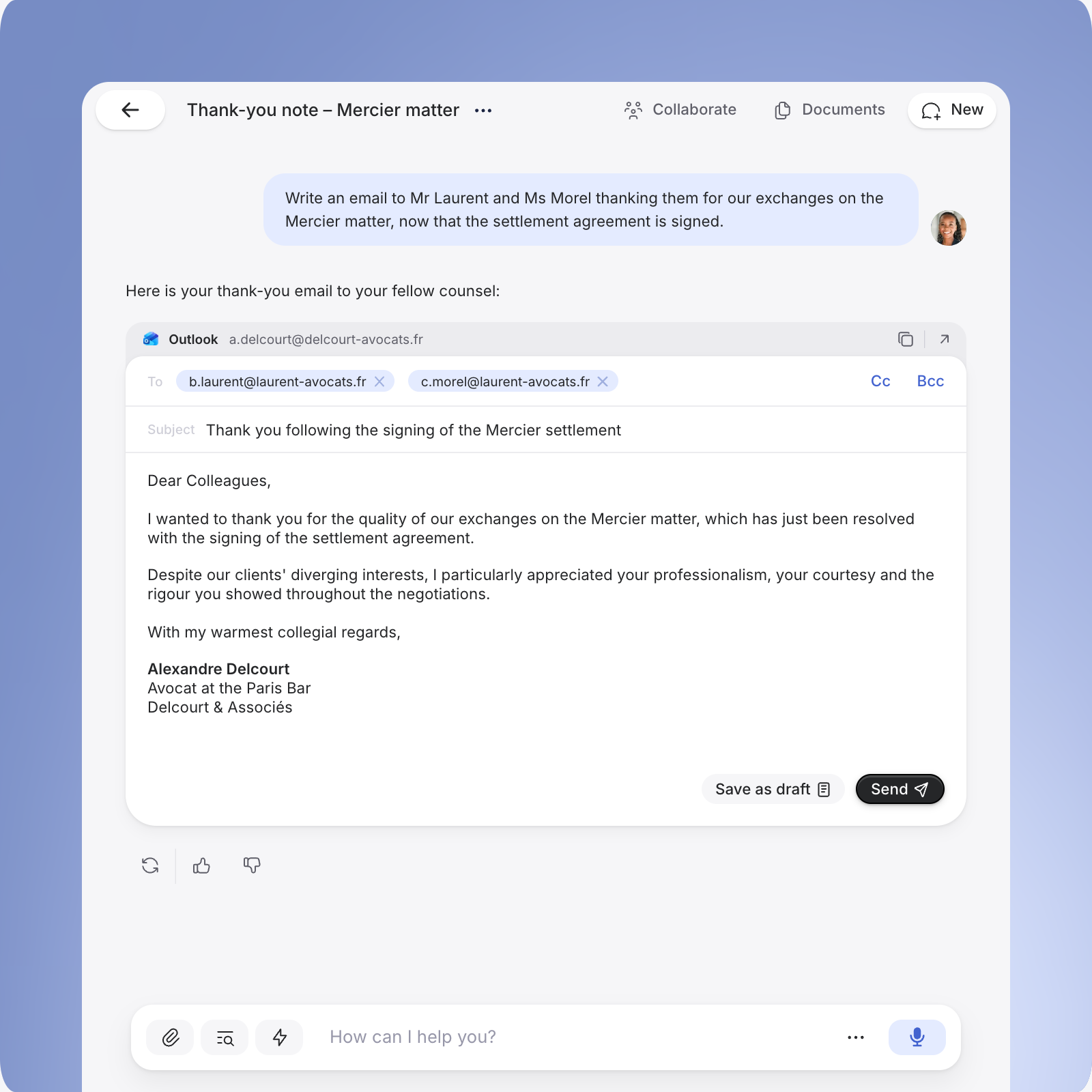
Thank-you note – Mercier matter

 Collaborate
 Documents
 New
Write an email to Mr Laurent and Ms Morel thanking them for our exchanges on the Mercier matter, now that the settlement agreement is signed.

Here is your thank-you email to your fellow counsel:

Outlook
a.delcourt@delcourt-avocats.fr


To
b.laurent@laurent-avocats.fr c.morel@laurent-avocats.fr
Subject
Thank you following the signing of the Mercier settlement
Dear Colleagues,
I wanted to thank you for the quality of our exchanges on the Mercier matter, which has just been resolved with the signing of the settlement agreement.
Despite our clients' diverging interests, I particularly appreciated your professionalism, your courtesy and the rigour you showed throughout the negotiations.
With my warmest collegial regards,
Alexandre Delcourt
Avocat at the Paris Bar
Delcourt & Associés
 Send


How can I help you?


Connectors

Find your Outlook emails and your OneDrive or SharePoint files, and work on them without downloading them.

Track your envelopes, check who has signed and who still needs to.

Query your contract base: deadlines, clauses, counterparties, renewals.

Browse your data rooms, read documents and analyse a deal's Q&A threads.

Draw on your Notion pages and databases: internal procedures, matter notes, templates.

Look up invoices and accounting data for your matters and your billing.

Find an exchange, summarise a thread and prepare a reply from your emails.

Check your hearings and meetings, and find a slot for a client meeting.

Search and read your Drive documents without importing them by hand.

Look up the time spent and the billing on your matters.
Want to connect your product to Jimini? Get in touch
Examples
Ask the way you would ask a colleague: Jimini fetches the information from your connected tools and answers you.
Document databases
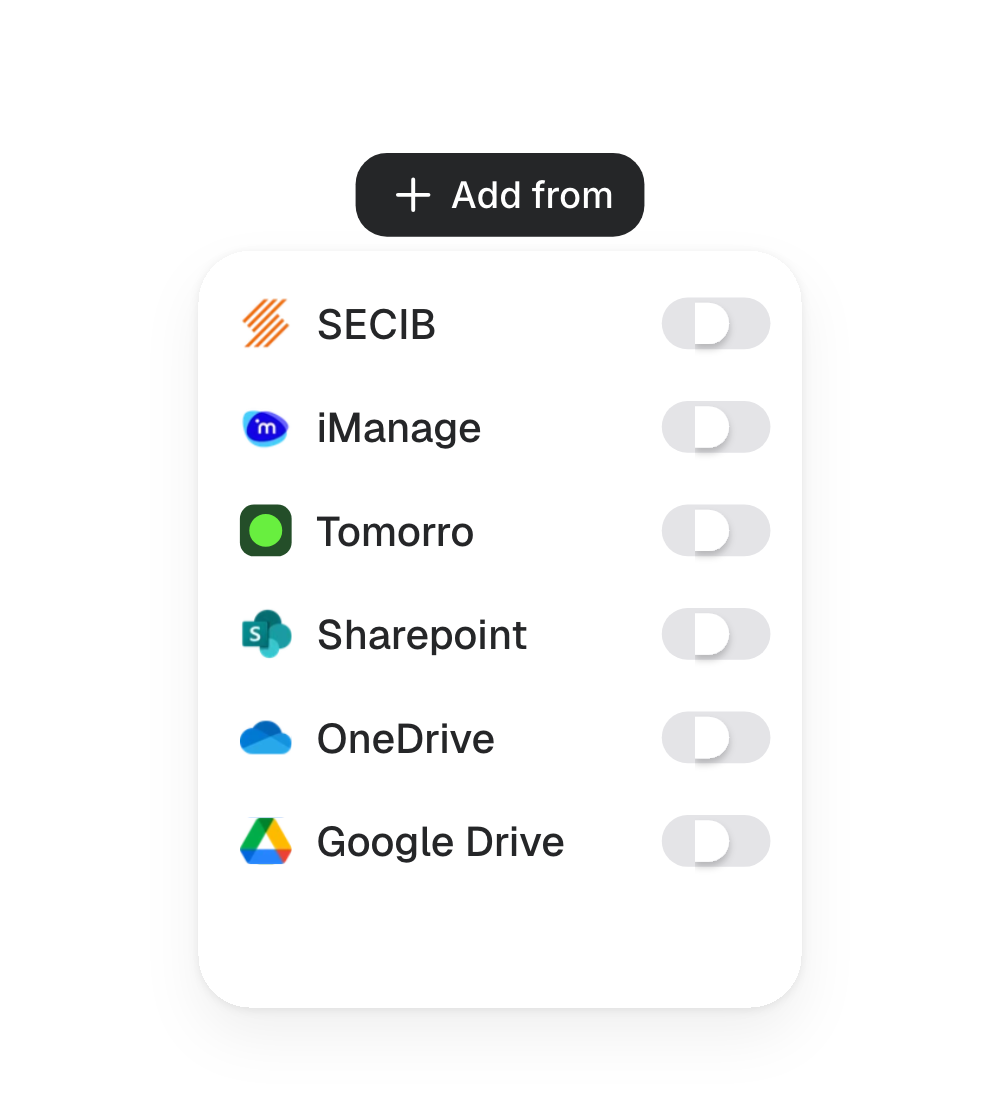
Jimini connects to your document tools and cross-checks your documents with legal sources, for precise, contextualised and sourced answers.
How it works
Your access, your rules
Jimini respects each user's access rights and only consults the data they are already authorised to access in your apps.
A secure connection
Authenticate directly with your apps. Jimini never accesses your credentials.
You stay in control
Connect and disconnect your apps at any time, in a few clicks, from Jimini's settings.
The same privacy standards
All data from your apps benefits from the same security and privacy guarantees as the data processed in Jimini.